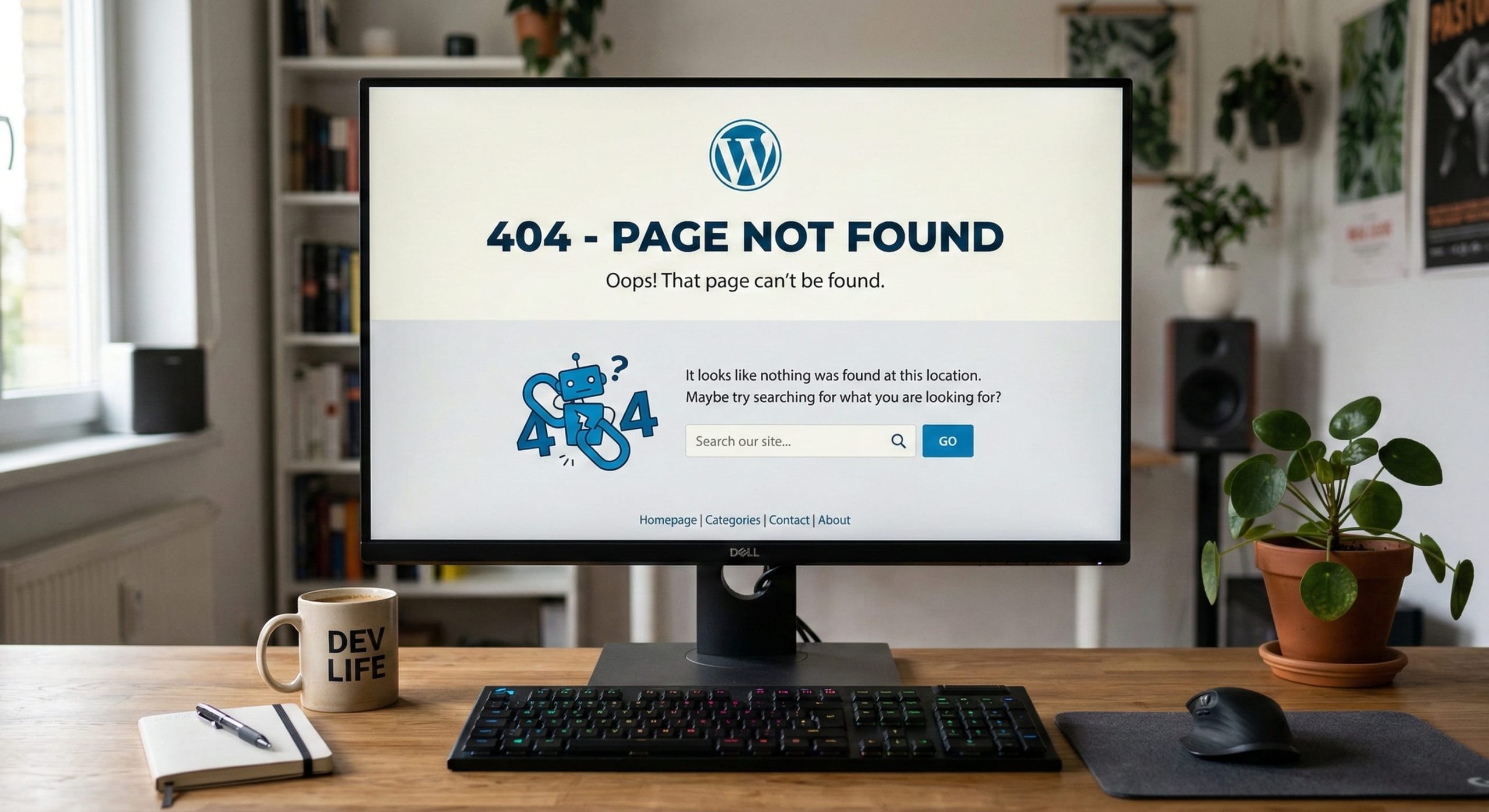
Your posts, pages or media return a 404 error while the home page works normally.
Cause
The
.htaccess
file at the root of your site is missing, empty or corrupted. This file contains the URL rewrite rules that WordPress needs to work properly.
Solution
Step 1— Connect to your hosting via the file manager (cPanel) or via FTP (FileZilla, etc.).
Step 2 — Navigate to the root of your WordPress site (public_html or www folder).
Step 3 — Check whether the .htaccess file exists. If it is missing, create it. If it exists, open it and replace its contents.
Step 4 — Paste the following content into the file:
# BEGIN WordPress
<IfModule mod_rewrite.c>
RewriteEngine On
RewriteBase /
RewriteRule ^index\.php$ - [L]
RewriteCond %{REQUEST_FILENAME} !-f
RewriteCond %{REQUEST_FILENAME} !-d
RewriteRule . /index.php [L]
</IfModule>
# END WordPress
Step 5— Save the file. If you are asked for permissions, set
644
.
Step 6 — Clear your browser cache and test your links again.
ℹ Tip: If the problem persists after this, go to WordPress > Settings > Permalinks and simply click Save Changes. WordPress automatically regenerates the .htaccess.WordPress installed in a subfolder?
If your WordPress is in a subfolder (e.g.,
/blog/
), adjust the
RewriteBase
line accordingly:
RewriteBase /blog/
Need help? Open a ticket at